The symptom
The file appears in your OneDrive folder, but it won't open from Windows File Explorer, or Windows shows an error window. OneDrive itself shows no sync error and does not tell you the path length, which makes diagnosis difficult without a dedicated tool.
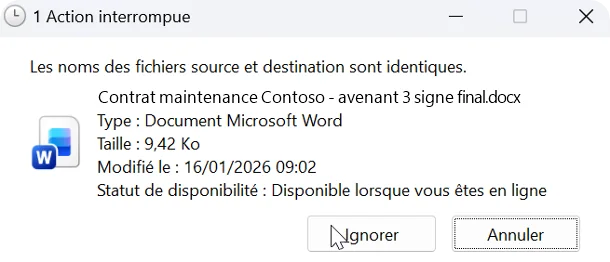
Example of a Windows dialog shown for a document with a very long name.
Why the file won't open
Windows limits the length of a file's full path to 255 characters. This path starts at the drive root and includes your Windows user name and the name of the OneDrive folder, for example:
C:\Users\julie\OneDrive - My Company\Projects\2024\Important document.docxBetween 256 and 400 characters, OneDrive syncs the file without error, but Windows can no longer open it directly from File Explorer. Beyond 400 characters, synchronization itself is blocked (see the "file path is too long" error).
Open the file in the meantime
The file remains accessible online: open it from OneDrive in your browser, or from Teams.
Fix it for good
- Shorten the file name.
- Shorten the names of its parent folders: remove repetitions, dates and "final version" labels.
- Move the folder closer to the root of your OneDrive.