Files won't open in OneDrive?
Get a clear diagnosis in a few seconds.
Spot files whose path is too long, fix them in a few clicks or share a detailed report with your teams.
- 100% local execution: no data shared
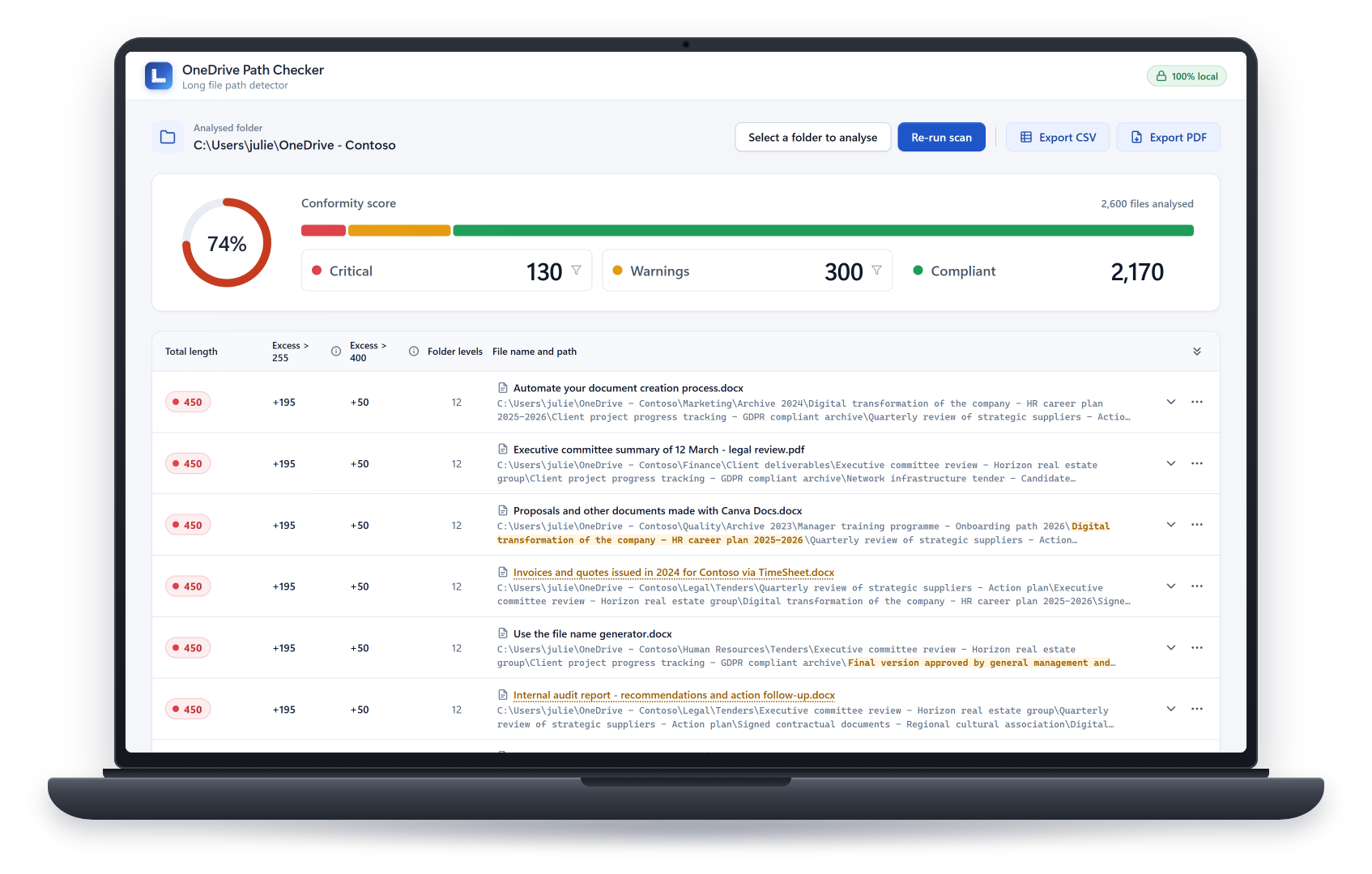
Spot files whose path is too long, fix them in a few clicks or share a detailed report with your teams.
Beyond 255 characters, the file syncs but Windows can no longer open it from File Explorer. Your teams don't understand why.
Beyond 400 characters, OneDrive stops syncing the file and displays an error as long as the path is too long.
Select your OneDrive folder to scan:
Find out how many files are a problem:
Shorten file paths from the application:
Try it free for 24 hours, then buy your license.
Business: want to deploy the tool on several workstations? Request a quote